





I learned this the hard way. Early on, I treated website files like something you just upload once and forget. A few edits here, a quick rename there, maybe a backup if I remembered. It worked until it didn’t. One broken file path, one overwritten script, and suddenly the site stopped behaving the way it should.
Over time, it became clear that managing website files isn’t a one-time task. It’s an ongoing system. The difference between a stable, high-performing site and a fragile one usually comes down to how files are handled behind the scenes.
Why Website File Management Isn’t Optional
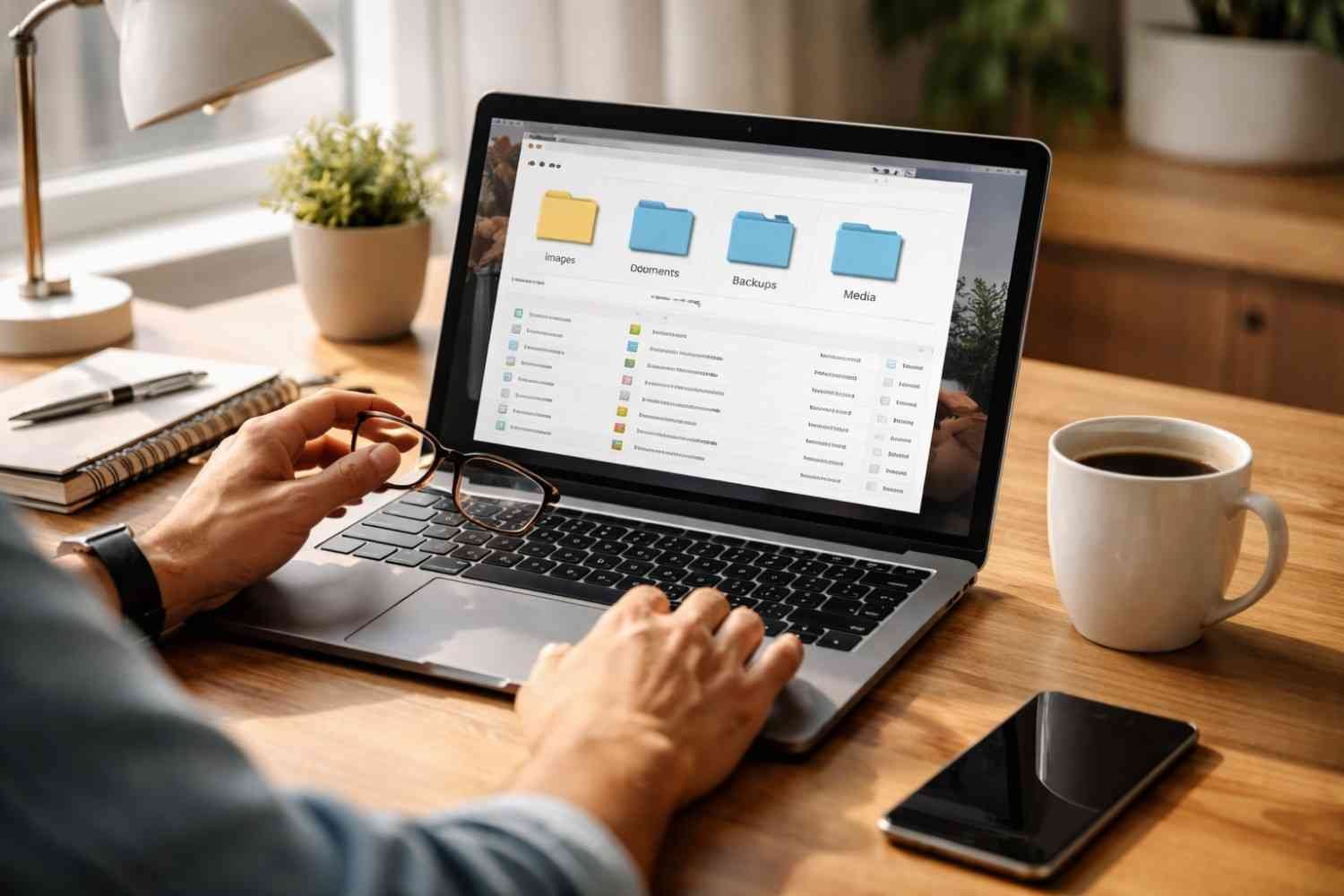
Every website runs on a collection of files, code, images, scripts, and configurations. When these are disorganized or handled casually, problems build up quietly. Slower load times, broken layouts, and even security risks start creeping in.
On the other hand, when file management is structured and consistent, everything becomes easier. Updates are faster, errors are easier to fix, and the site feels more reliable overall. That’s the foundation behind creating high-converting websites because performance and structure directly impact how users interact with your site.
What Actually Works When Managing Website Files
Centralized And Standardized Organization
One thing that consistently works is keeping everything in a single, well-structured system. Instead of scattered files across folders and servers, everything lives in a clear hierarchy.
For example:
- Separate folders for images, scripts, and styles
- Logical grouping based on function, not guesswork
- Avoiding deep, confusing folder nesting
Naming also plays a bigger role than most people think. Clear, consistent naming like homepage_banner.jpg or login_form.js saves time and avoids confusion later. Vague names like “final-v2” almost always create problems down the line.
Version Control Changes Everything

Once you start using version control, especially Git, managing files becomes predictable. Every change is tracked. Every version can be restored.
Instead of wondering “what broke the site,” you can trace it. If something fails after deployment, you simply roll back. That alone removes a huge amount of risk from file management.
It also helps when working in teams or even across multiple projects. You’re no longer relying on memory or manual tracking.
Automated Backups (Not Optional)
Manual backups sound fine in theory, but they rarely happen consistently. Automation is what actually works.
A strong setup usually includes:
- Daily automated backups
- Storage in multiple locations (server + cloud + local)
- Easy restore options
There’s a simple rule that holds true: if your data doesn’t exist in at least three places, it’s not fully safe.
Using Managed Hosting And Automation Tools
Trying to handle everything manually, updates, security patches, and optimizations quickly becomes overwhelming. Managed hosting simplifies a lot of this.
Automation tools also take care of repetitive tasks:
- Image optimization
- Database cleanup
- Cache handling
Instead of constantly fixing things, you’re maintaining a system that runs smoothly in the background.
Staging Before Going Live
One of the most underrated practices is using a staging environment. It’s basically a copy of your live site where you can test changes safely.
Without staging, every update becomes risky. With it, you can:
- Test file changes
- Check layout and functionality
- Catch errors before users ever see them
This alone prevents a lot of avoidable downtime.
What Doesn’t Work (And Causes Most Problems)

Editing Files Directly On Live Servers
Making quick edits directly through FTP or file manager might feel convenient, but it’s one of the fastest ways to break a site.
There’s no safety net. No rollback. One wrong change can take down important functionality instantly.
Letting Unused Files Pile Up
Over time, websites collect junk, unused images, outdated scripts, and old plugin files. It doesn’t seem urgent, so it gets ignored.
But this clutter:
- Slows down performance
- Makes navigation harder
- Increases security risks
Regular cleanup isn’t optional if you want a stable system.
Treating Every Project Differently
If every website you manage has a completely different structure, things get messy fast. Updates take longer. Troubleshooting becomes harder.
Standardizing your approach across projects makes everything easier. You don’t have to relearn your own system every time.
Relying Only On Hosting Backups
Many people assume their hosting provider has everything covered. Sometimes they do, but relying only on that is risky.
If something goes wrong at the host level, you could lose everything. Independent backups give you control.
Weak Security Practices
Even with perfect file organization, poor security can undo everything.
Common mistakes include:
- Reusing passwords
- Skipping two-factor authentication
- Giving excessive file permissions
File management isn’t just about structure; it’s also about protection.
The Real Difference Between Working And Failing Systems
When you step back, the difference is pretty clear. Systems that work rely on structure, automation, and consistency. Systems that fail rely on memory, shortcuts, and manual effort.
Here’s how that contrast usually looks in practice:
- Backups: automated and stored in multiple locations vs occasional and unreliable
- Updates: tested in staging vs pushed live without checks
- Naming: clear and consistent vs random and confusing
- Workflow: structured and repeatable vs reactive and messy
It’s not about using more tools. It’s about using the right system consistently.
How To Start Managing Website Files Better
If your current setup feels messy, you don’t need to fix everything overnight. Start with a few practical changes:
- Clean up unused files and folders
- Create a simple, logical folder structure
- Set up automated backups
- Use version control for any code changes
- Avoid making direct edits on live servers
Small changes like these make a noticeable difference quickly. Over time, they build a system that’s easier to manage and far less likely to break.
Frequently Asked Questions: Managing Website Files: What Actually Works And What Doesn’t
1. What Is The Best Way To Organize Website Files?
The best approach is to keep a simple folder structure with clear separation between assets like images, scripts, and styles. Consistent naming conventions also make navigation easier.
2. Do I Really Need Version Control For Small Websites?
Yes. Even small websites benefit from version control. It helps track changes, prevents mistakes, and allows quick recovery if something goes wrong.
3. How Often Should Website Files Be Backed Up?
Daily automated backups are ideal. Critical sites may require even more frequent backups depending on how often changes are made.
4. Can I Manage Website Files Without Technical Skills?
Yes, especially with modern hosting tools and file managers. However, understanding basic structure and organization still makes a big difference.
Final Thoughts
Managing website files well isn’t about being overly technical. It’s about building habits that prevent problems before they happen. Once you move away from manual, reactive workflows and start using structured systems, everything becomes more predictable. You spend less time fixing issues and more time improving the site.
Start simple. Stay consistent. The results show up faster than you expect.