





I remember when my frontend setup was just a code editor and a browser tab. It worked until it didn’t. Projects started growing, bugs became harder to track, and even small UI changes felt slow. That’s when it hit me: the environment you work in quietly shapes how fast and how well you build.
Over time, I stopped chasing “more tools” and started focusing on the right frontend development environments. The difference wasn’t just speed, it was clarity, fewer mistakes, and a workflow that didn’t fight back every time I tried to ship something.
What Frontend Development Environments Really Mean in Practice

At a basic level, frontend development environments are the combination of tools, frameworks, and configurations you use to build and test your interface. But in real work, they go beyond setup; they define your daily flow.
A good environment:
- Reduces repetitive work
- Gives instant feedback
- Keeps your code clean without extra effort
- Helps you debug without guessing
In 2026, building faster and smarter isn’t about writing more code. It’s about letting your environment handle the friction so you can focus on actual problem-solving.
The Editors That Shape Your Daily Workflow

Your editor is where most of your time goes. If it slows you down, everything else will too.
Visual Studio Code (VS Code)
This is still the go-to for many developers, and for good reason. It feels lightweight but does a lot under the hood. IntelliSense speeds up coding by predicting what you need next, and built-in Git support saves constant context switching.
What really makes it effective is the extension ecosystem. You can tailor it exactly to your workflow instead of adjusting your workflow to the tool.
WebStorm
WebStorm is more opinionated. It’s heavier, but it understands JavaScript deeply. If you’re working on larger applications, its refactoring tools and framework awareness can save hours over time.
It’s less about flexibility and more about structure, and that works well for complex projects.
CodePen
For quick experiments, CodePen is hard to beat. You can test ideas instantly without setting up anything locally. It’s especially useful when you want to prototype interactions or debug isolated UI pieces.
Frameworks That Actually Save Time (Not Add Complexity)

Frameworks can either simplify your workflow or bury you in unnecessary abstraction. The difference comes down to how they fit your environment.
React
React remains a strong choice for dynamic interfaces. Its component-based approach means you write something once and reuse it everywhere. That alone cuts development time significantly.
Next.js
Next.js takes things further by handling performance and routing automatically. Server-side rendering improves load speed, and you don’t have to manually configure SEO basics. It removes decisions you don’t need to think about.
Svelte
Svelte focuses on speed in a different way. Instead of handling updates in the browser, it shifts the work to compile time. That means lighter bundles and faster execution without extra optimization work.
Tailwind CSS
Styling is often where projects slow down. Tailwind avoids that by letting you style directly in your markup using predefined classes. It keeps things consistent and removes the need to constantly switch between files.
The Tools That Quietly Do the Heavy Lifting
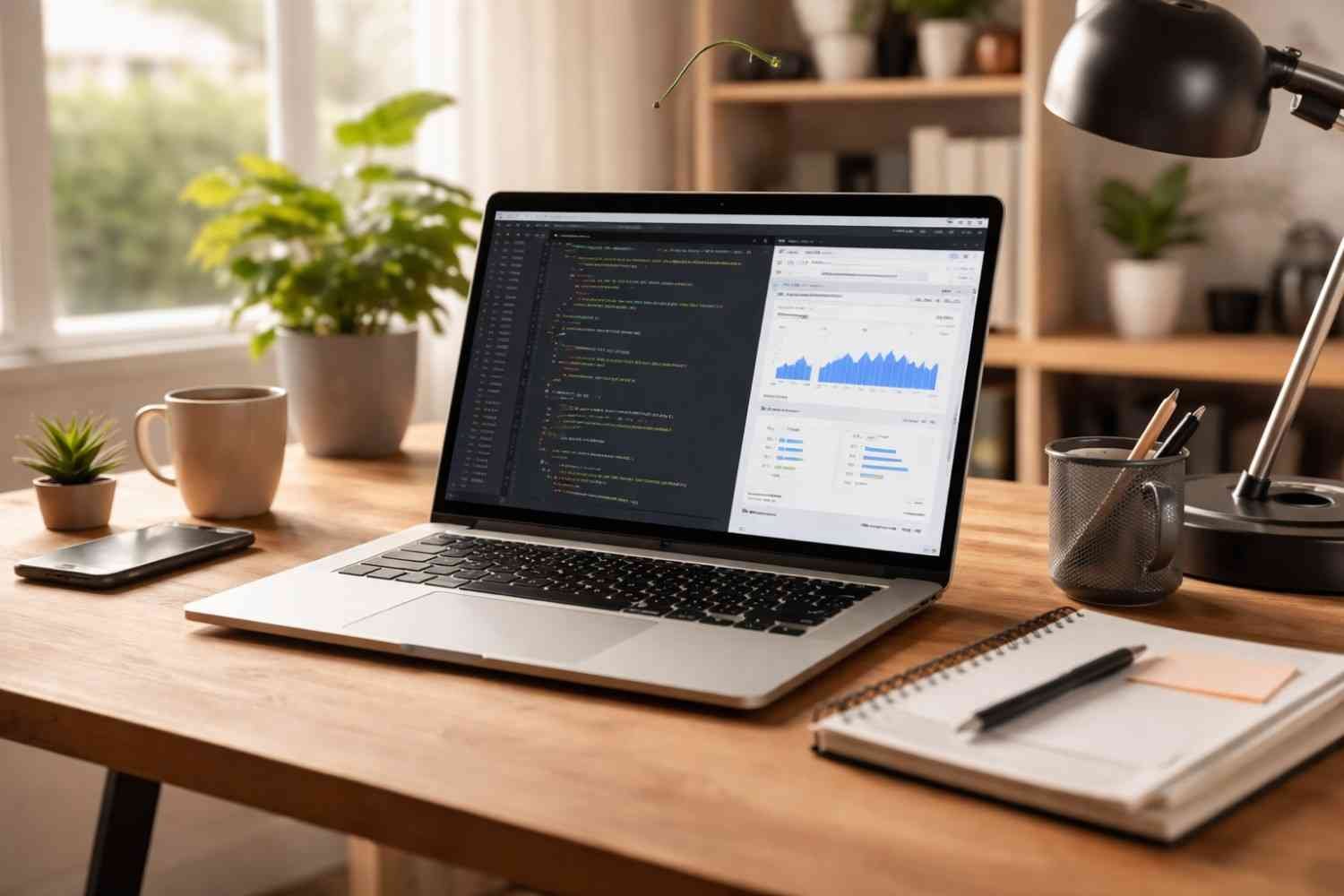
This is where most developers underestimate their frontend development environments. The real speed gains come from automation and feedback loops.
Vite
Vite changed how fast development feels. Instead of waiting for full rebuilds, it serves code instantly and updates changes in real time using hot module replacement. That alone cuts down a huge amount of idle time.
Chrome DevTools
Still one of the most powerful tools available and often underused. You can inspect layouts, test changes live, and identify performance issues without touching your codebase.
GitHub Copilot
AI-assisted coding is no longer optional. Copilot suggests entire blocks of code, helping you move faster through repetitive logic or unfamiliar patterns. It’s not perfect, but it reduces friction significantly.
Prettier and ESLint
These tools don’t make your app faster, but they make your workflow smoother. Prettier keeps formatting consistent automatically, while ESLint catches issues early before they turn into real problems.
Where Most Developers Lose Speed
It’s rarely about choosing the wrong tool. It’s about how everything fits together.
Here’s where things usually break down:
- Too many tools with overlapping roles
- Poor configuration that slows down builds
- Ignoring performance until late in the project
- No consistency in code formatting
- Weak debugging habits
A messy environment doesn’t just slow development; it creates long-term issues that are harder to fix later.
That’s also why understanding how to maintain a website regularly becomes important early on. The way you set up your environment directly affects how easy your project is to manage after launch.
FAQs: Frontend Development Environments That Help You Build Faster and Smarter
1. What are frontend development environments?
They are the combination of tools, frameworks, and configurations used to build and test the user interface of a website or application.
2. Which frontend development environment is best for beginners?
VS Code with a simple setup using React or basic HTML, CSS, and JavaScript is a strong starting point due to its flexibility and ease of use.
3. Why is Vite preferred over Webpack now?
Vite is faster because it uses native ES modules and provides instant updates during development, while Webpack often requires longer build times.
4. Do I need AI tools like GitHub Copilot?
Not mandatory, but helpful. It speeds up repetitive coding tasks and can assist with problem-solving, especially in complex projects.
Final Thoughts
What changed things for me wasn’t switching tools constantly; it was simplifying how everything worked together. Once the environment stopped getting in the way, development felt more natural. Fewer delays, fewer errors, and a lot less mental overhead.
Frontend development environments aren’t just setups. They’re systems. And when they’re built right, you don’t notice them, you just build faster, think clearer, and ship with confidence.
Keep it simple. Keep it intentional. That’s where real speed comes from.